

How to Size and Place Shirt Designs from Baby to Adult
In this guide
Size a shirt design to the garment's usable decoration area, not just its labeled size. Measure the actual blank, keep the design clear of seams and closures, and test a full-size template on the smallest garment in each group. Create separate artwork sizes when needed, then record the approved dimensions and placement points for production.
Measure the space the design can actually use
Lay the garment flat and relaxed. Identify the centerline and the area clear of neckline binding, armholes, side seams, pockets, and closures. On a baby bodysuit, the available front panel is very different from an adult T-shirt's chest.
Compare actual samples from baby apparel, youth styles, and the relevant adult range. A size label does not reveal the printable area, and a fixed distance below every neckline may look inconsistent across different cuts.
Group garments by usable area
Start with practical groups such as infant, toddler, youth, and adult, then adjust after measuring. The smallest item in a group often sets the maximum design size, but also inspect the largest to ensure the result still looks intentional.
| Decision | Record in the production sheet |
|---|---|
| Artwork version | File name and approval date |
| Finished design size | Width and height in a consistent unit |
| Garment group | Exact styles and sizes covered by the approval |
| Placement reference | Measured centerline and repeatable vertical reference |
| Process | Approved materials, equipment, and supplier settings |
Do not assume every style in a size group shares the same placement. A crew neck, a raglan garment, and a bodysuit may need different reference points even when their front panels seem similar.
Resize without losing readability
Keep the artwork's aspect ratio unless you intentionally redesign it. For example, a hypothetical design that is 8 inches wide and 6 inches high becomes 6 inches wide and 4.5 inches high when scaled to 75%. Those numbers illustrate proportional scaling; they are not recommended dimensions for a particular garment.
After scaling, inspect small lettering, thin lines, and gaps between details. A design that looks clear on a large monitor may become crowded on fabric. Simplify the small-size version or remove secondary text when shrinking alone does not work.
Approve a physical template and a decorated sample
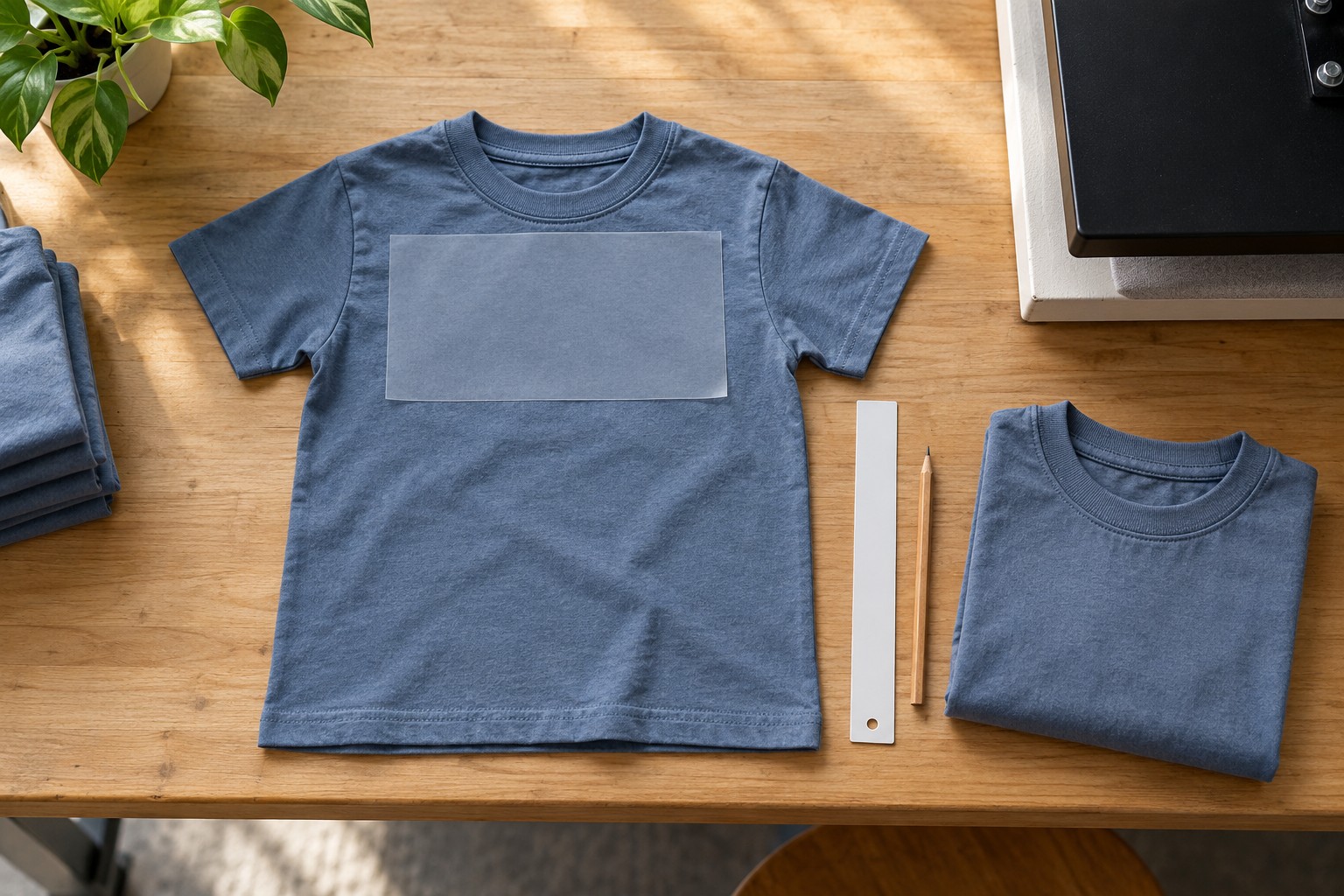
- Print or cut the artwork outline at its intended finished dimensions.
- Position it on the relaxed garment and check balance and clearance.
- Review the placement in the garment's likely worn shape where practical.
- Decorate a sample using the intended production method.
- Check appearance, movement, and results after the supported care routine.
A paper template establishes approximate composition, but it cannot prove transfer adhesion, ink behavior, or embroidery quality. Those need a real production sample. Review our sample-order guide to make that testing more efficient.
Make repeats consistent
Save the approved sample, artwork files, and measurement notes together. Use a placement guide suited to the garment without pulling the fabric out of shape. Check the first finished item in each size group and inspect periodically during production rather than discovering drift at the end.
For a mixed-age event order, the matching family shirts guide explains how to connect artwork groups with an accurate purchasing sheet.
Frequently asked questions
Is there one standard chest print size?
No. Garment shape, size, artwork, and decoration method all affect the appropriate dimensions. A standard shop template is a starting point that still needs checking.
Should the design always be centered between side seams?
That is a useful reference, but inspect the garment's construction and the design's visual balance. An asymmetrical motif can look off-center even when its bounding box is mathematically centered.
Can embroidery files simply be reduced like print artwork?
Not always. Stitch density, stitch lengths, and detail can change poorly when scaled. Have the embroidery file evaluated or redigitized for the intended size and fabric.

