

How to Order Matching Family Shirts Across Baby, Youth, and Adult Sizes
In this guide
To order matching family shirts, collect each person's garment choice and size using the specific product's size chart, then group the order by style, color, and size. Coordinate the palette across age ranges and scale the artwork for smaller garments. Approve physical samples before placing a large order, especially when several styles share one event design.
Choose coordination before exact matching
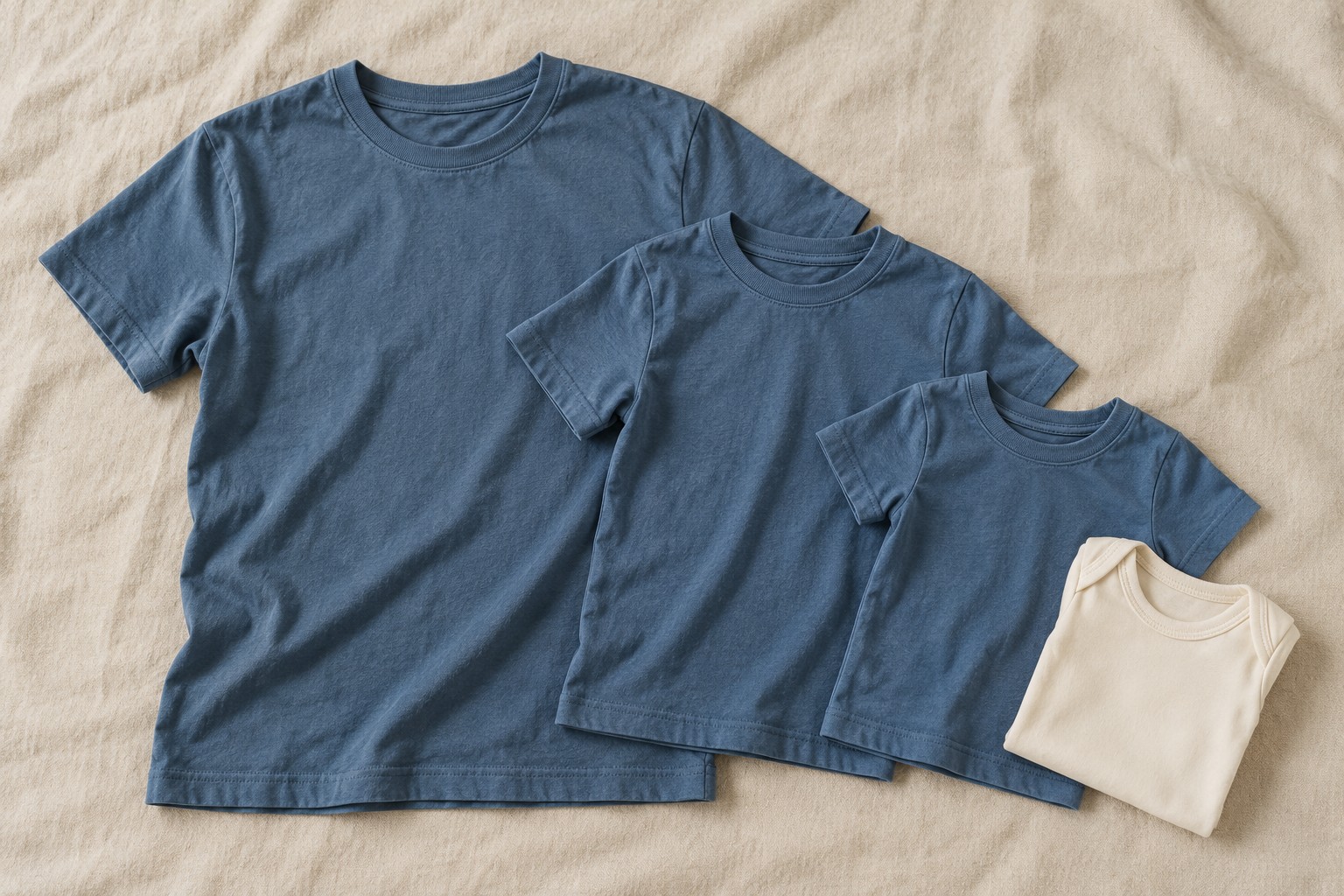
A family reunion may include a baby in a bodysuit, toddlers in tees, and adults who prefer different fits. One identical style may not cover everyone. Start with a small palette and a consistent motif, then choose suitable garments from baby, toddler, and youth apparel, plus the adult ranges.
Do not promise identical color based on a shared color name. Different fabrics, styles, and production lots can look different. Compare samples together in daylight. If the match is not close enough, use intentionally complementary colors so the difference looks considered.
Collect sizes without guessing
Send participants the size chart for the exact garment they will receive. Ask them to compare a well-fitting garment using the chart's measurement method. “I usually wear medium” is less reliable when moving between youth, unisex, and fitted styles.
| Order-sheet field | Why it matters |
|---|---|
| Participant or household reference | Makes distribution and corrections easier |
| Exact style and color | Prevents mixing similar-looking products |
| Selected size and quantity | Creates an accurate purchasing total |
| Personalized text, if any | Provides a spelling approval record |
| Approval date | Separates confirmed orders from pending replies |
Keep personal details limited to what the organizer needs. A shared purchasing sheet usually does not need children's full names or birth dates. Use a private approval process when names will appear on the garments.
Scale the artwork by garment group
A large adult design can crowd a toddler chest or collide with a bodysuit's closures. Create separate artwork sizes where needed and test them on the smallest garment in each group. Preserve the design's proportions, but check whether tiny text or fine details remain readable after shrinking.
A simpler baby version can share the same visual theme without reproducing every line of the adult design. The print placement and size grading guide explains how to approve these variations.
Build the schedule backward from distribution
- Set the date the shirts must be in participants' hands.
- Allow time for sorting, checking, and correcting errors.
- Confirm decoration capacity and artwork approval deadlines.
- Confirm current garment availability and delivery estimates.
- Set the participant order deadline before purchasing begins.
Do not treat the event date as the delivery target. If households are traveling, distribution may need to happen earlier. Agree on who can authorize substitutions or late additions before a shortage occurs.
Check and pack by household
Count the finished garments against the approved sheet, inspect the decoration, and sort by household or pickup group. Include care instructions for the finished items. Keep any spare shirts separate from named orders so they do not accidentally replace a participant's approved size.
Frequently asked questions
Should everyone receive the same fabric?
Only if it suits the available styles and participants. A consistent design and coordinated colors can connect different fabrics; disclose meaningful differences before collecting orders.
How many extra shirts should we order?
Base extras on likely late requests, replacement needs, available budget, and reorder timing. There is no universal percentage, and extras should be chosen by likely size demand rather than evenly across every size.
Can adult and baby shirts use the same transfer?
Only when the transfer's size and material requirements suit both garments. Usually, separate size approvals are the safer production decision. Make a sample rather than relying solely on a digital mockup.

